Introduction
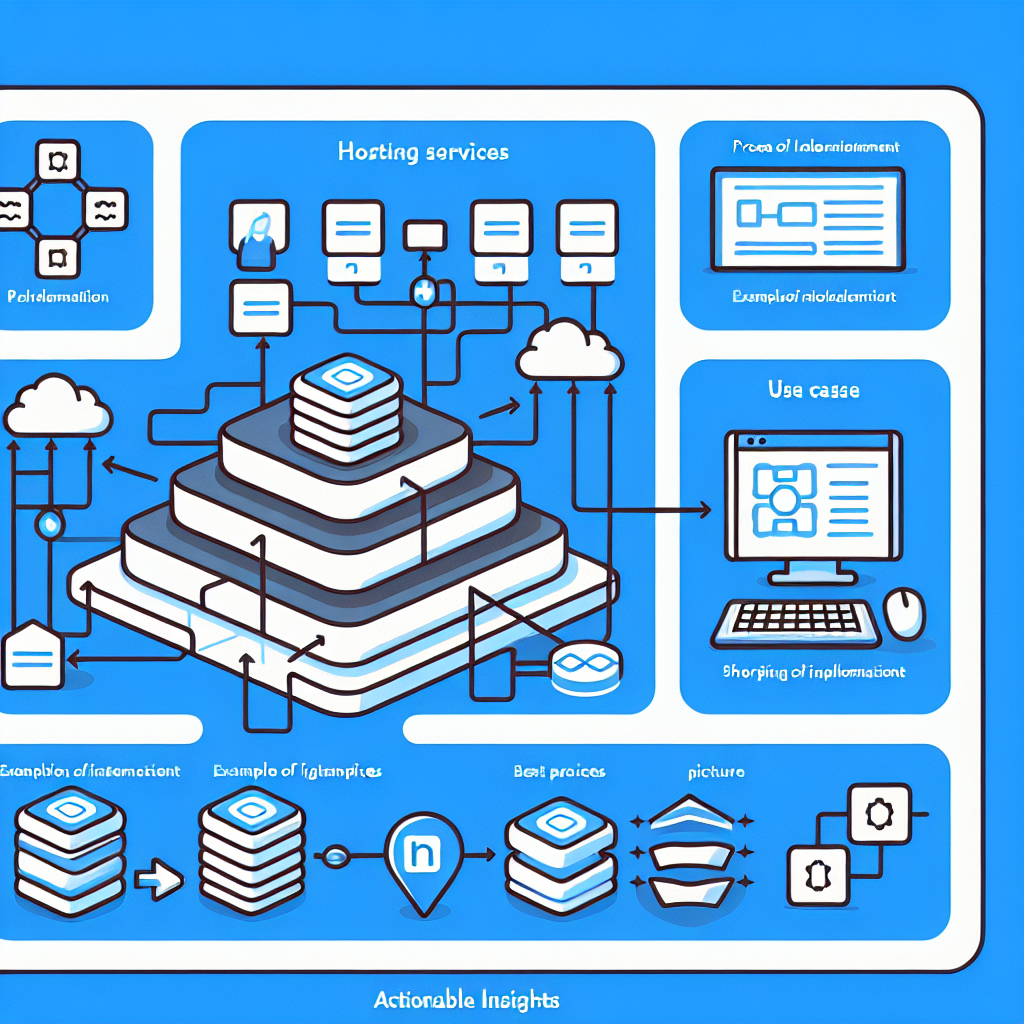
In the world of .NET development, hosting services play a fundamental role in creating robust and scalable web applications, background services, and worker services. Understanding how to effectively implement and manage these services is crucial for building modern applications that can handle continuous operation and complex tasks.
What is a Hosted Service?
A hosted service in .NET is a class that runs background tasks and implements the IHostedService interface. This interface defines two main methods:
StartAsync(CancellationToken): Contains the logic to start the background task.StopAsync(CancellationToken): Contains the logic to end the background task.
The hosted service is managed by the .NET host, which handles the startup and shutdown of the service.
Implementing a Hosted Service
To implement a hosted service in .NET, you can use the Worker Service template provided by ASP.NET Core. Here’s a simple example:
using Microsoft.Extensions.Hosting;
using System.Threading;
using System.Threading.Tasks;

public class MyBackgroundService : IHostedService, IDisposable
{
    private Timer _timer;

    public Task StartAsync(CancellationToken cancellationToken)
    {
        _timer = new Timer(DoWork, null, TimeSpan.Zero, TimeSpan.FromMinutes(1));
        return Task.CompletedTask;
    }

    private void DoWork(object state)
    {
        // Background task logic here
    }

    public Task StopAsync(CancellationToken cancellationToken)
    {
        _timer?.Change(Timeout.Infinite, 0);
        return Task.CompletedTask;
    }

    public void Dispose()
    {
        _timer?.Dispose();
    }
}
This example creates a hosted service with a background task that runs on a timer every minute.
Best Practices for Hosted Services
- Proper Dependency Injection: Use DI to inject dependencies into your hosted services. This ensures the service is testable and easier to manage.
public class MyBackgroundService : BackgroundService
{
    private readonly IServiceProvider _serviceProvider;

    public MyBackgroundService(IServiceProvider serviceProvider)
    {
        _serviceProvider = serviceProvider;
    }
}
-
Graceful Shutdown: Implement
StopAsyncto handle graceful shutdowns and resource cleanup. -
Avoid Blocking Calls: Use asynchronous methods to prevent blocking the main thread and ensure efficient execution.
public async Task DoWorkAsync(CancellationToken cancellationToken)
{
    // Async background task logic here
}
- Handle Errors and Exceptions: Ensure that your background tasks handle exceptions and have proper error logging to diagnose issues easily.
Common Pitfalls
-
Not Managing Resources: Failing to properly dispose of timers, connections, or other resources could lead to memory leaks and application crashes.
-
Long Running Tasks in
StartAsync: Avoid placing long-running tasks inStartAsyncas it blocks other hosted services from starting. -
Not Setting Timeouts on Blocking Calls: Ensure that all blocking calls have a timeout to prevent indefinite waiting and potential deadlocks.
Advanced Concepts
- BackgroundService Base Class: Instead of implementing
IHostedServicedirectly, you can inherit fromBackgroundService, which provides a more convenient way to run long-running tasks.
public class MyBackgroundService : BackgroundService
{
    protected override async Task ExecuteAsync(CancellationToken stoppingToken)
    {
        while (!stoppingToken.IsCancellationRequested)
        {
            await DoWorkAsync(stoppingToken);
            await Task.Delay(TimeSpan.FromMinutes(1), stoppingToken);
        }
    }
}
- Queued Background Tasks: For tasks that need to run sequentially, you can use a queue-based approach to manage task execution.
Conclusion
Hosting services in .NET provides a powerful mechanism to handle background tasks and long-running processes. By following best practices and avoiding common pitfalls, you can create efficient, reliable, and scalable applications. Whether you are building web applications, background services, or worker services, understanding the host infrastructure in .NET is essential for modern application development.
Comments & Discussion
Comments powered by GitHub Discussions. If comments don't load, please ensure:
You can also comment directly on GitHub Discussions