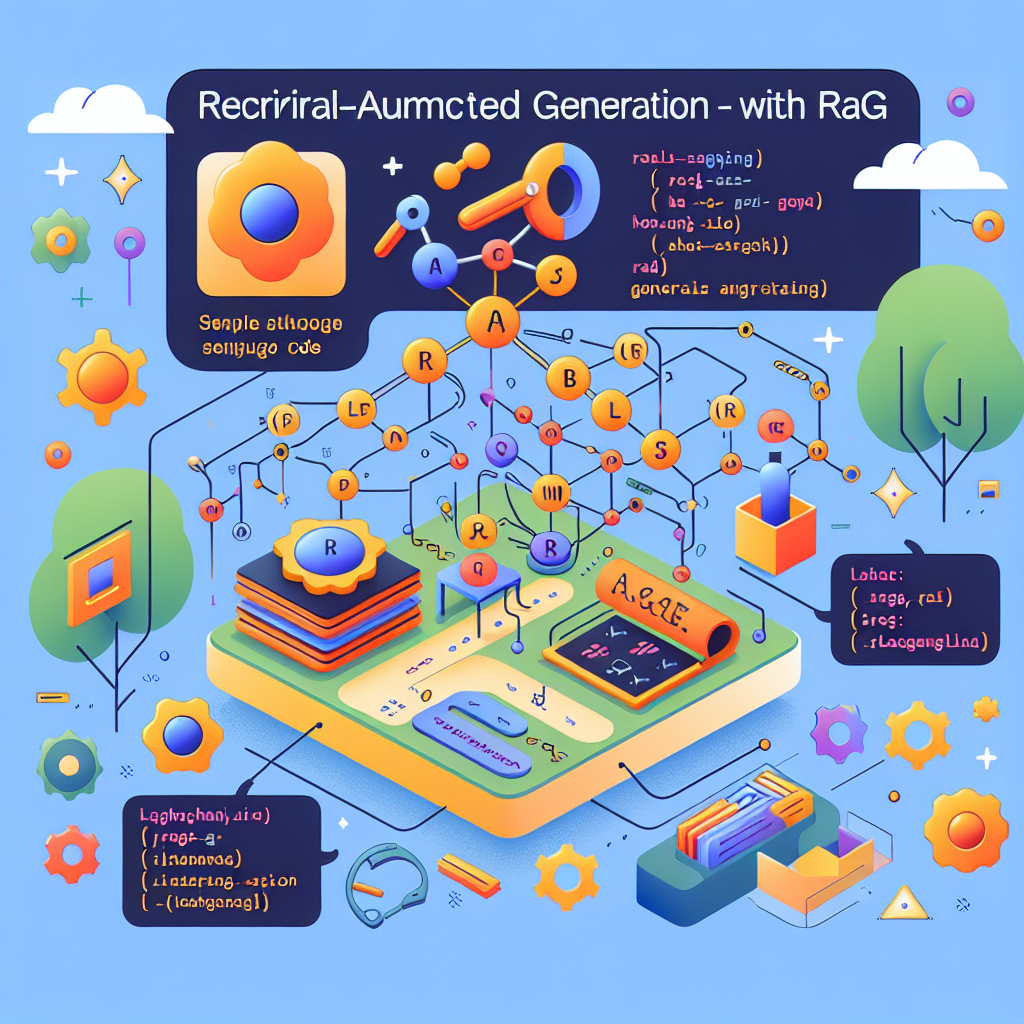
Retrieval-Augmented Generation (RAG) is a powerful technique that combines retrieval-based methods with generative models to improve the accuracy and relevance of generated content. By leveraging large datasets, RAG can answer questions more effectively by retrieving pertinent information and generating contextually appropriate responses. In this blog post, we will explore the steps to build a RAG application using LangChain and provide example code to demonstrate its capabilities.
Prerequisites
Before diving into the implementation, ensure you have the required libraries installed. Execute the following command to install the necessary packages:
!pip install langchain langchain_community langchainhub langchain-openai tiktoken chromadb
Setting Up Environment Variables
LangChain integrates with various APIs to enable tracing and embedding generation. Set up the required environment variables for LangChain and OpenAI:
import os
os.environ['LANGSMITH_TRACING'] = 'true'
os.environ['LANGSMITH_API_KEY'] = '<langsmith-api-key>'
os.environ['OPENAI_API_KEY'] = '<openai-api-key>'
Step 1: Indexing Content
Indexing is the process of preparing your dataset for retrieval. In this example, we load and process a blog post for indexing.
Loading the Blog Content
We use WebBaseLoader to scrape the content from a blog URL. In this case, the content is restricted to certain HTML classes using BeautifulSoup:
import bs4
from langchain_community.document_loaders import WebBaseLoader

loader = WebBaseLoader(
    web_paths=("https://lilianweng.github.io/posts/2023-06-23-agent/\",),
    bs_kwargs=dict(
        parse_only=bs4.SoupStrainer(
            class_=(\"post-content\", \"post-title\", \"post-header\")
        )
    ),
)
blog_docs = loader.load()
Splitting the Content
Large documents need to be divided into manageable chunks for efficient retrieval. This process ensures that the system can handle queries effectively by focusing on smaller, relevant sections of data:
from langchain.text_splitter import RecursiveCharacterTextSplitter

text_splitter = RecursiveCharacterTextSplitter.from_tiktoken_encoder(
    chunk_size=300,
    chunk_overlap=50
)
splits = text_splitter.split_documents(blog_docs)
Indexing with Embeddings
The document chunks are converted into vector embeddings using OpenAI’s embedding model and stored in a vector database (Chroma):
from langchain_openai import OpenAIEmbeddings
from langchain_community.vectorstores import Chroma

embedding = OpenAIEmbeddings(model="text-embedding-3-large")
vectorstore = Chroma.from_documents(documents=splits, embedding=embedding)
retriever = vectorstore.as_retriever()
Step 2: Retrieval
The retriever enables the search functionality for fetching the most relevant chunks of content based on a query:
retriever = vectorstore.as_retriever(search_kwargs={"k": 1})
Step 3: Generating Responses
With the retriever in place, we now configure a language model to generate responses based on the retrieved content.
Conclusion
RAG techniques significantly enhance the capabilities of language models by combining retrieval-based methods with generative models. By following the steps outlined in this blog post, you can build a RAG application using LangChain and explore the potential of this powerful technique.
Comments & Discussion
Comments powered by GitHub Discussions. If comments don't load, please ensure:
You can also comment directly on GitHub Discussions