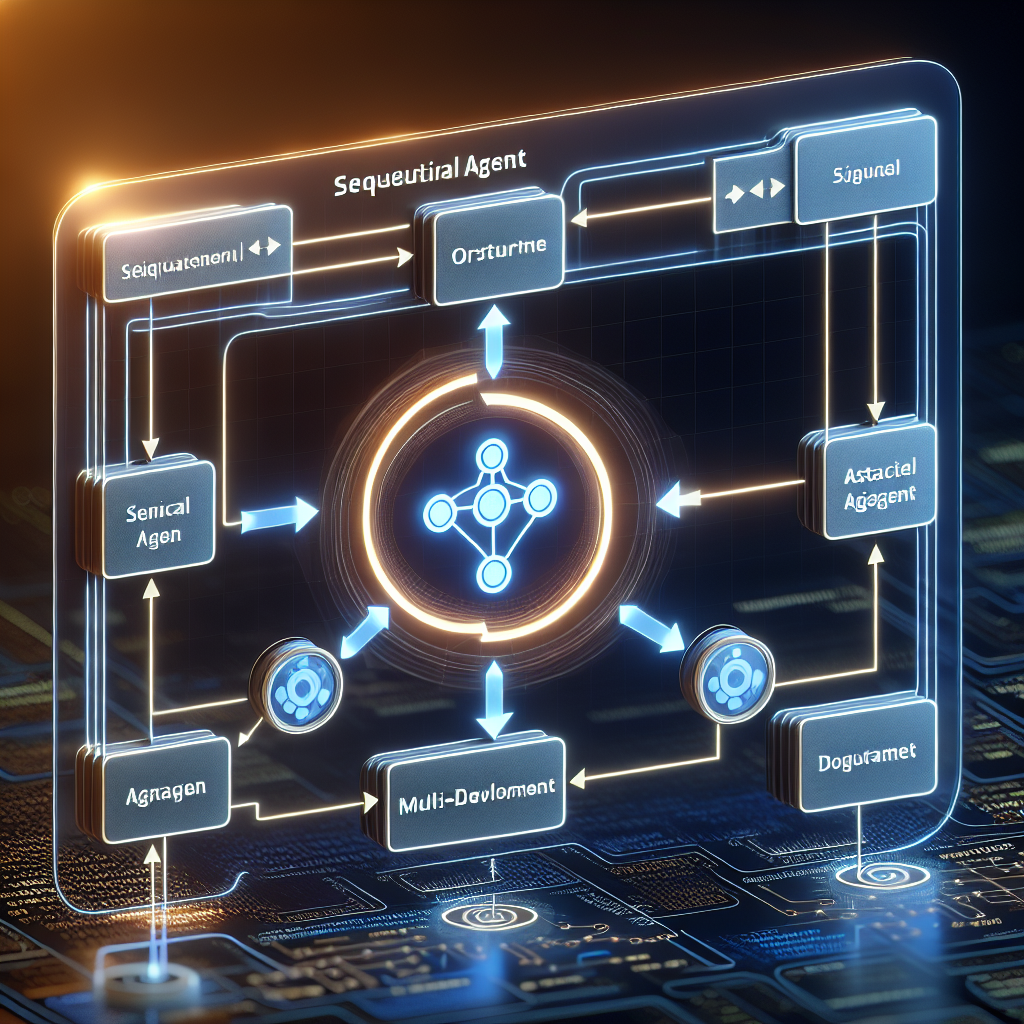
The world of AI is rapidly evolving, moving beyond simple, single-purpose models towards sophisticated systems capable of handling complex tasks by coordinating multiple specialized AI components. This is the realm of multi-agent systems.
To empower developers in building these advanced systems, Google has introduced the Agent Development Kit (ADK). This open-source Python framework is designed to streamline the creation, testing, and deployment of AI agents and multi-agent applications, providing flexibility and precise control.
The Role of Workflow Agents in ADK
Within the ADK, Workflow Agents are crucial for defining the execution flow of tasks within a multi-agent system. They provide deterministic control, ensuring structured and predictable application behavior.
ADK offers different types of Workflow Agents to suit various needs:
- ParallelAgent: Ideal for efficiency, executing multiple sub-agents concurrently.
- SequentialAgent: Perfect for tasks requiring a defined order, orchestrating sub-agents step-by-step.
Deep Dive: Understanding the SequentialAgent
The SequentialAgent is a cornerstone of building structured workflows in ADK. As its name implies, it allows you to define a clear, ordered sequence of operations for your agents.
With a SequentialAgent, you can ensure that sub-agents are executed one after the other, with the output of a preceding agent often serving as the input for the next. This pattern is invaluable for tasks that naturally break down into a series of dependent steps.
Consider a typical application scenario:
- An initial agent might be tasked with gathering relevant information from various sources.
- A second agent could then take that gathered information and process or analyze it.
- Finally, a third agent might use the processed data to generate a response, summarize findings, or perform an action.
The SequentialAgent provides the precise control needed to manage this kind of pipeline. It guarantees that each step is completed successfully before the next one begins, leading to more reliable, predictable, and debuggable outcomes compared to less structured approaches.
Getting Started: SequentialAgent and Code Structure
The ADK is designed with Pythonic simplicity in mind, making it accessible to developers familiar with Python. While full, runnable examples for SequentialAgent are best found in the official Google ADK documentation and quickstart guides, the structure begins with importing the necessary class.
Here's a basic glimpse of how you might import and reference a SequentialAgent:
from google.adk.agents import SequentialAgent

# Example initialization (structure may vary based on specific ADK version/use case)
# agent_teaching_assistant = SequentialAgent(
#     name="agent_teaching_assistant",
#     description="This agent acts as a friendly teaching assistant, checking ...",
#     # ... other configuration like defining the sequence of sub-agents
# )
This snippet shows the fundamental step: importing the SequentialAgent class from the google.adk.agents module. The subsequent steps in building a workflow involve defining the sub-agents that the SequentialAgent will orchestrate and specifying their order of execution.
For comprehensive, runnable code examples and tutorials on how to define sub-agents, configure their inputs/outputs, and integrate them within a SequentialAgent workflow, the official Google ADK resources are the definitive source.
Conclusion
Google's SequentialAgent, as a core component of the Agent Development Kit, offers a powerful and intuitive way to build structured, multi-step AI workflows. By enabling the orchestration of specialized agents in a defined sequence, it provides developers with the control needed to create reliable and complex multi-agent applications. If you're looking to build AI systems that require a predictable flow of information processing and action, exploring the SequentialAgent within the Google ADK is a valuable next step.
Comments & Discussion
Comments powered by GitHub Discussions. If comments don't load, please ensure:
You can also comment directly on GitHub Discussions